Fleet management, telematics, custom devices
Dispatch, maintenance, vehicle condition, handovers: our fleet solution runs on our platform and extends into the hardware itself. We build telematics, sensors and devices in-house, and SIM cards and servers come from us.
Overview
Fleet management software bundles dispatch, maintenance, inspection dates, a driver app and telematics in one system. Beyonetix builds the software and hardware itself, telematics units, sensors and SIM cards included, and runs the solution on its own servers in Germany.
Inspection dates live in a spreadsheet that one person maintains and three people have never seen. The trailer gets pulled over because its inspection is overdue. Planning happens the evening before with paper notes and phone calls, and when a driver calls in sick the phoning starts again. The workshop writes the oil change on a pad that goes through the wash on Friday.
A customer calls and wants to know whether their yard was cleared and when. Nobody can prove it, so somebody writes a credit note. At month end the office and the site argue about hours that were never recorded properly. Meanwhile the telematics in the truck dutifully produces data that sits in its own portal, far away from the invoice and far away from the job.
What we deliver
Technology
How we proceed
Frequently asked
No, there is no need to swap anything. We connect the devices and sensors you already have through the provider's interface, and running contracts stay in place. Where new hardware is needed, telematics units, sensors and SIM cards come from us.
Yes. Jobs, times, photos and measured areas are stored on the device and transmitted once there is coverage again. One codebase serves iOS, Android and the browser.
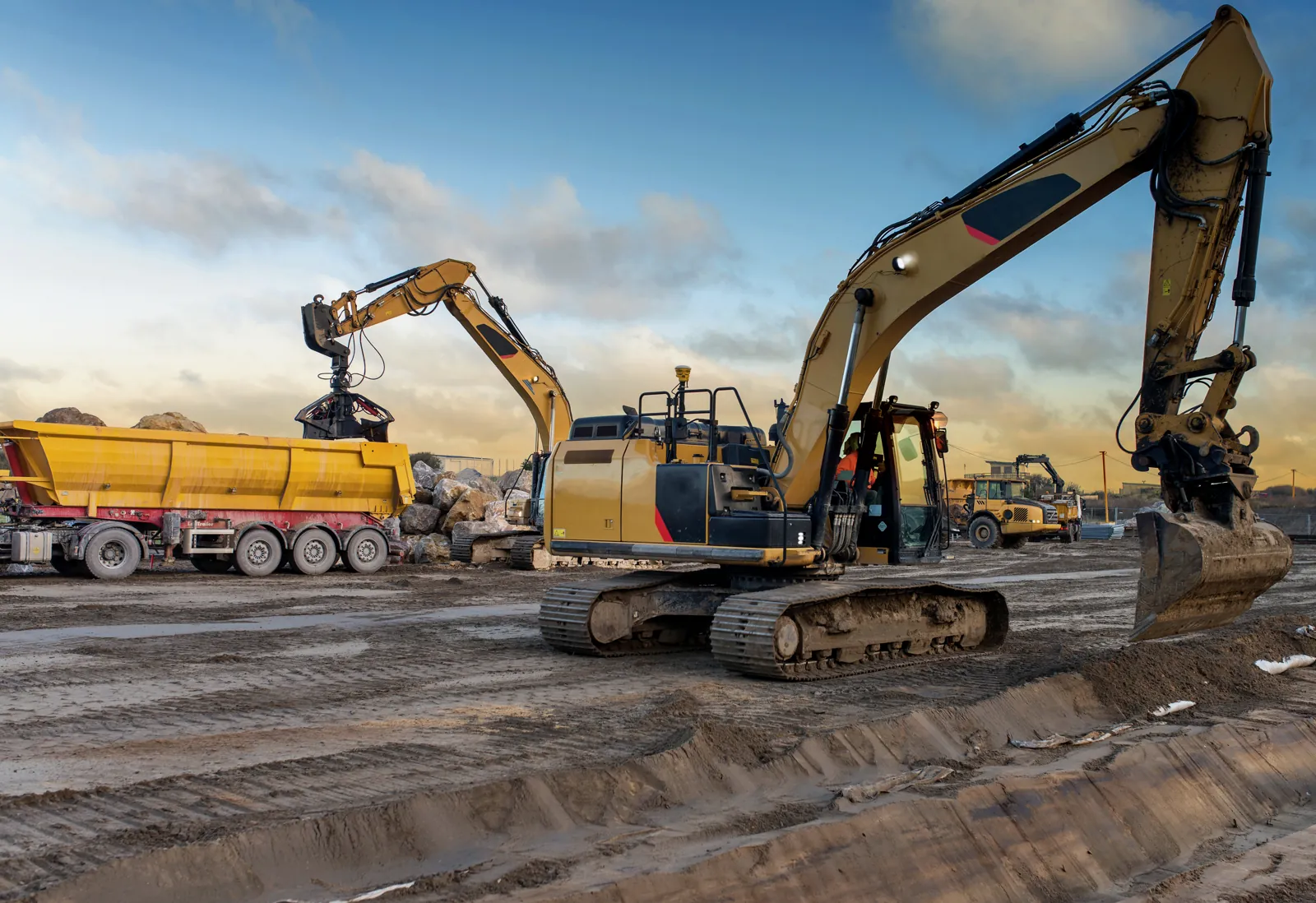
Yes. Excavators, loaders, trailers and gritting or clearing equipment get the same file as a truck, with inspection dates, workshop orders, rental contract and job history.
In companies with a works council, tracking normally requires their agreement because it can record behaviour and performance. That belongs at the start of the project. We build purpose limitation, role based access, deletion periods and vehicle level rather than person level reporting the way the works agreement requires.
The driver records photos, time and area on site. From that a PDF is created with timestamp and position, filed in the customer portal at property level.